
Customer List
The customer list, found at Customers > All Customers, shows every customer record in your Prisma database. Beyond being a directory, it’s a tool for building ad-hoc views of your customer base and exporting them for use outside Prisma.
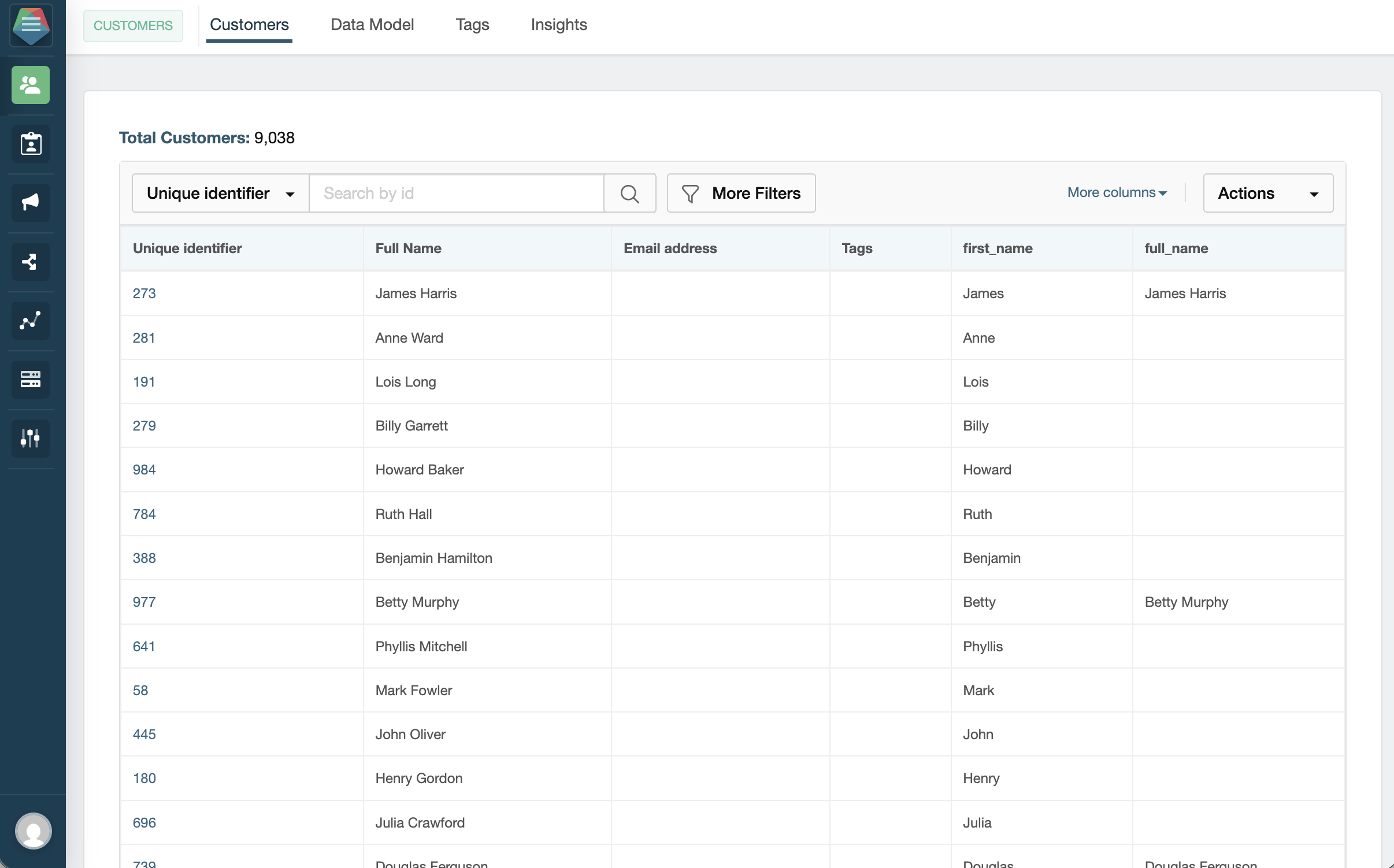
Searching and basic filters
At the top of the list you’ll find a search bar and a set of quick filters. You can search by customer ID, name, or email to locate a specific person. The quick filters let you narrow down further by any customer field — pick a field and enter a value to match against it.
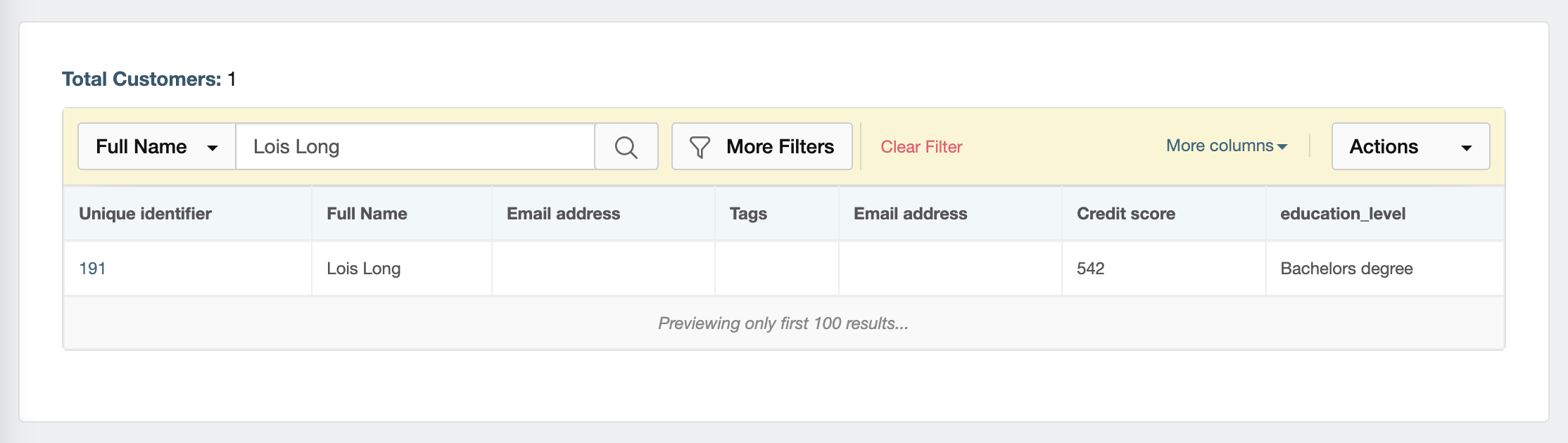
More Filters
More Filters unlocks the full power of the customer list. Clicking it opens a panel where you can combine multiple conditions — the same type of conditions used in segments — to build a custom view on the fly without saving a segment. You can also filter by tag or by segment membership (e.g. show only customers who are currently in a specific segment).
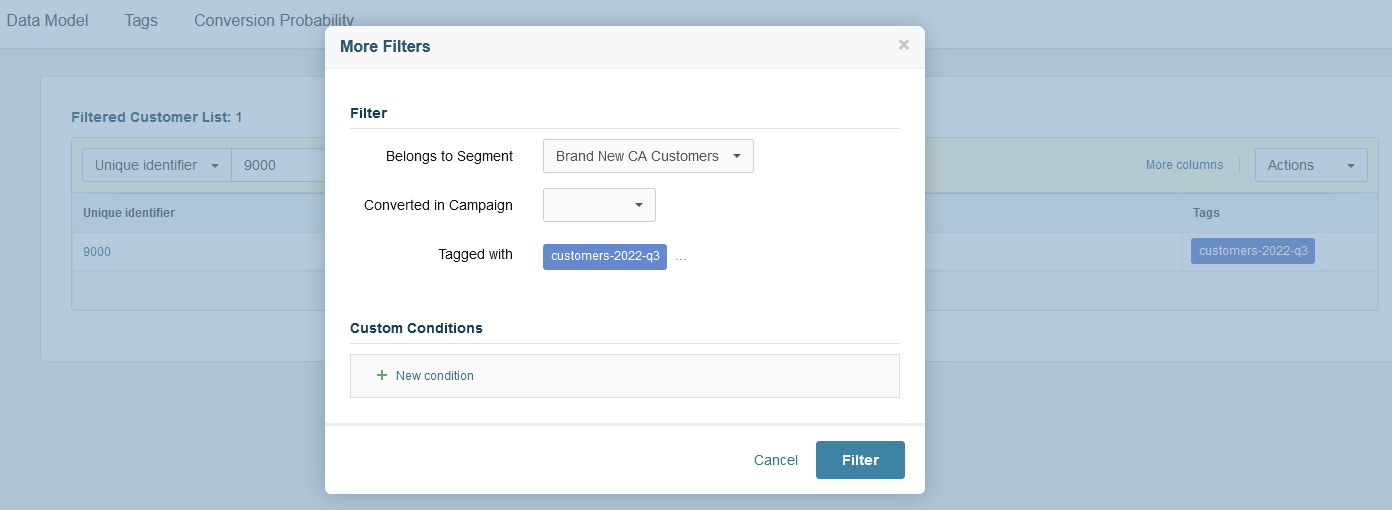
Examples of what you can do with More Filters:
- Find all customers in a specific city who have a product balance above a certain amount
- List customers who have never been contacted via email
- See customers who joined in the last 30 days
- Show all customers with a specific tag
- Show all customers currently in a given segment
This is useful for spot checks, operational queries, and one-off exports that don’t need to become permanent segments.
Exporting the list
Once you’ve applied your filters, click Export. Prisma will generate the CSV and send it to the email address of the logged-in user — the file does not download directly in the browser.
The export includes the standard customer fields and respects the filters currently applied. To add more columns, click More Columns — a dropdown lets you select any additional fields available for export.
This is commonly used to:
- Share a filtered list with another team
- Feed data into an external reporting tool
- Audit which customers are in a particular state
Exporting from the customer list gives you a snapshot at the moment of export. The data does not update automatically after the fact.
 Related Articles
Was this article helpful?
On this page