
Adding Push Notifications
Last updated:
< 1 min read
marketing
To include push notifications in New Mortgages Offers, click on the campaign to access its settings and then proceed as follows:
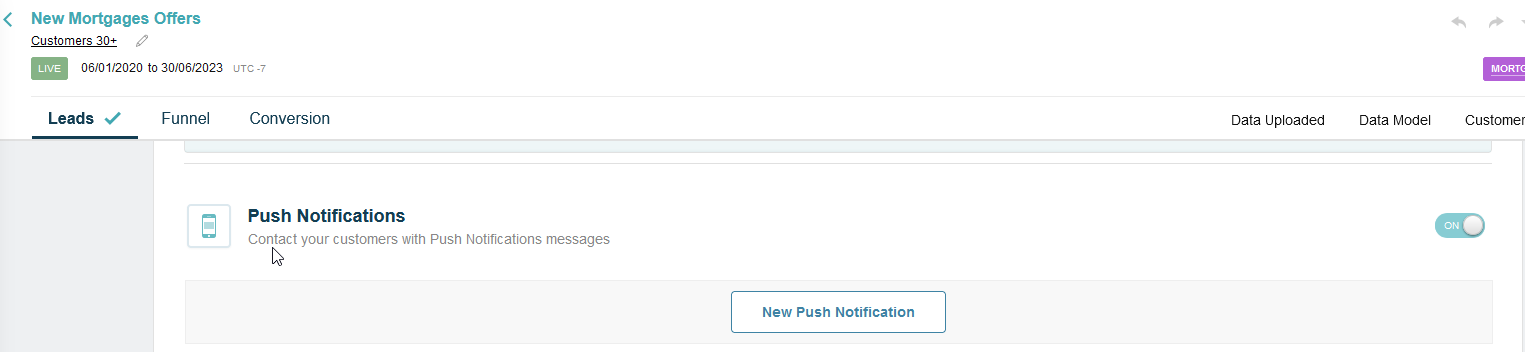
Enable the Push Notifications channel and click New Push Notification:
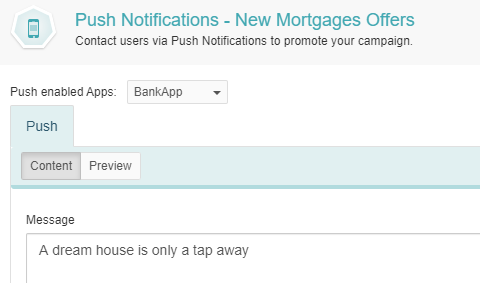
Choose the application from the list and enter the message you want to include in the notification:
Click Apply to confirm.
Save and publish the changes.
 Related Articles
Was this article helpful?